Offices & Coworking
Desk sharing only works if people have somewhere to put things
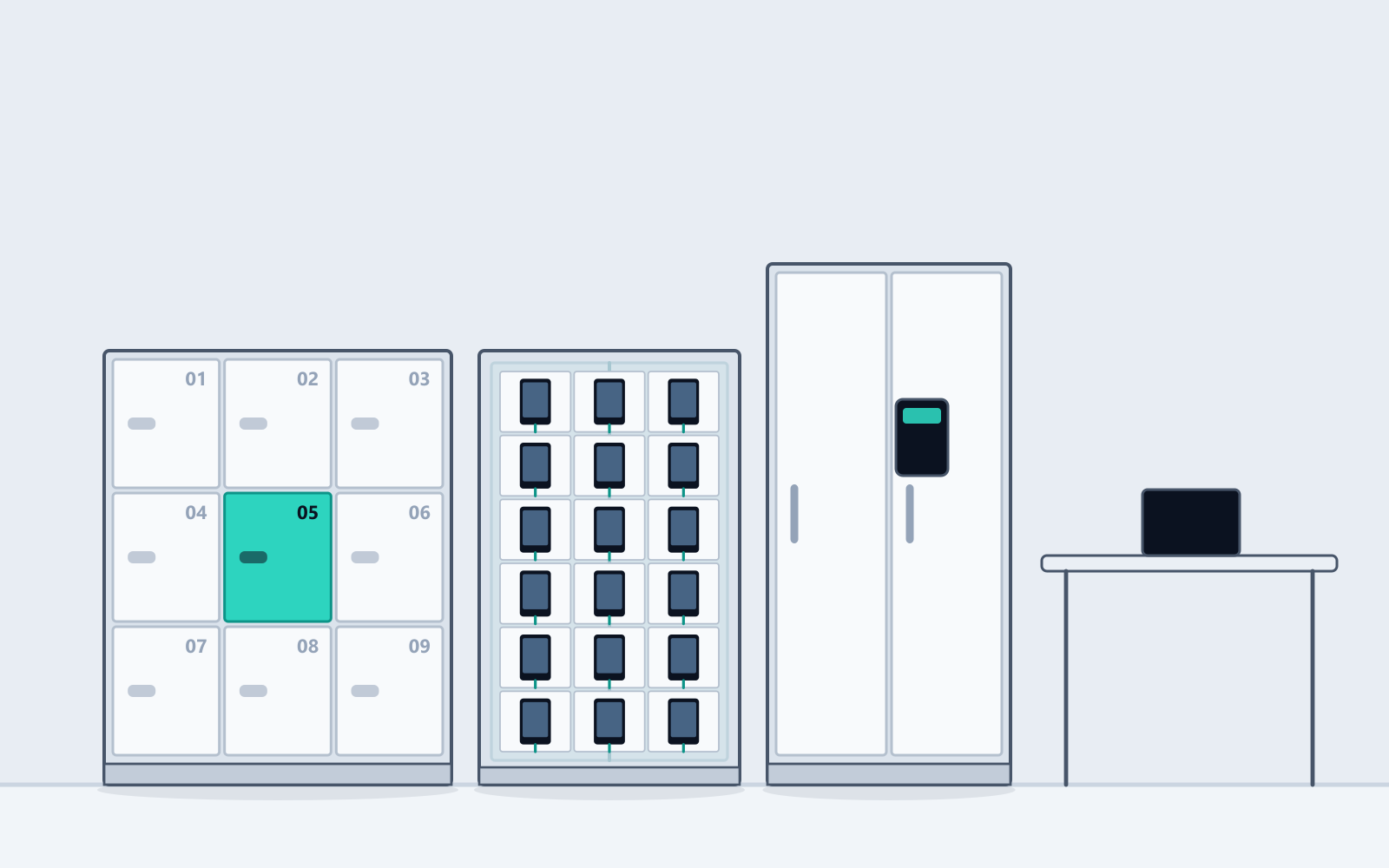
What we usually find
If none of this sounds like your site, you may not need us — and we would rather you worked that out here than after a meeting.
Hot-desking without storage just means clutter
Bags under desks, monitors and keyboards claimed with post-it notes, personal items in unclaimed drawers. The desk-sharing ratio the space was designed around never materialises because people cannot put anything down.
Locker keys and staff turnover do not mix
Every departure is meant to include a locker key. Some do. The register drifts out of date, spare keys accumulate in a drawer, and eventually nobody knows which key opens what.
Confidential files sit in cabinets with keys in circulation
HR records, contracts and personal data behind a lock whose key has been copied an unknown number of times over the years. You cannot say who has access, which is a problem the moment anyone asks.
Coworking members expect lockers to just work
A member on a monthly plan wants a locker included or available as an add-on, provisioned instantly at sign-up. Doing that with physical keys and a front desk does not scale past a floor.
What changes once it is in
- Day lockers claimed on arrival and released automatically at end of day
- Assigned lockers provisioned and revoked centrally — offboarding is a click
- Device charging cabinets for pooled tablets, laptops and phones
- Secure cabinets with a per-person access log for personal data and HR records
- Coworking locker add-ons provisioned instantly at sign-up and billed automatically
- Utilisation data that shows how many lockers the floor actually needs
Which lock we would specify here
Mixed, and worth planning deliberately. Hot-desk day lockers want connected access — automatic release at end of day is what makes the desk-sharing ratio work, and central provisioning means offboarding is a click rather than a key hunt. Cabinets holding HR records and personal data want connected access for a different reason: the per-person access log is the part that answers a PDPA question. Everything else on the floor — stationery cupboards, AV stores, filing — should be keyed, and we will not pretend otherwise to inflate the order.
Buy, or have us fund and run it?
Offices almost always buy: lockers go in with the fit-out, capitalised alongside the furniture, and the landlord or tenant owns them. Coworking operators sometimes prefer managed, so lockers stay off the balance sheet and locker fees flow through a platform they do not have to run.
What we would specify
The families that come up most often for offices. A single room usually ends up with two or three of these rather than one.
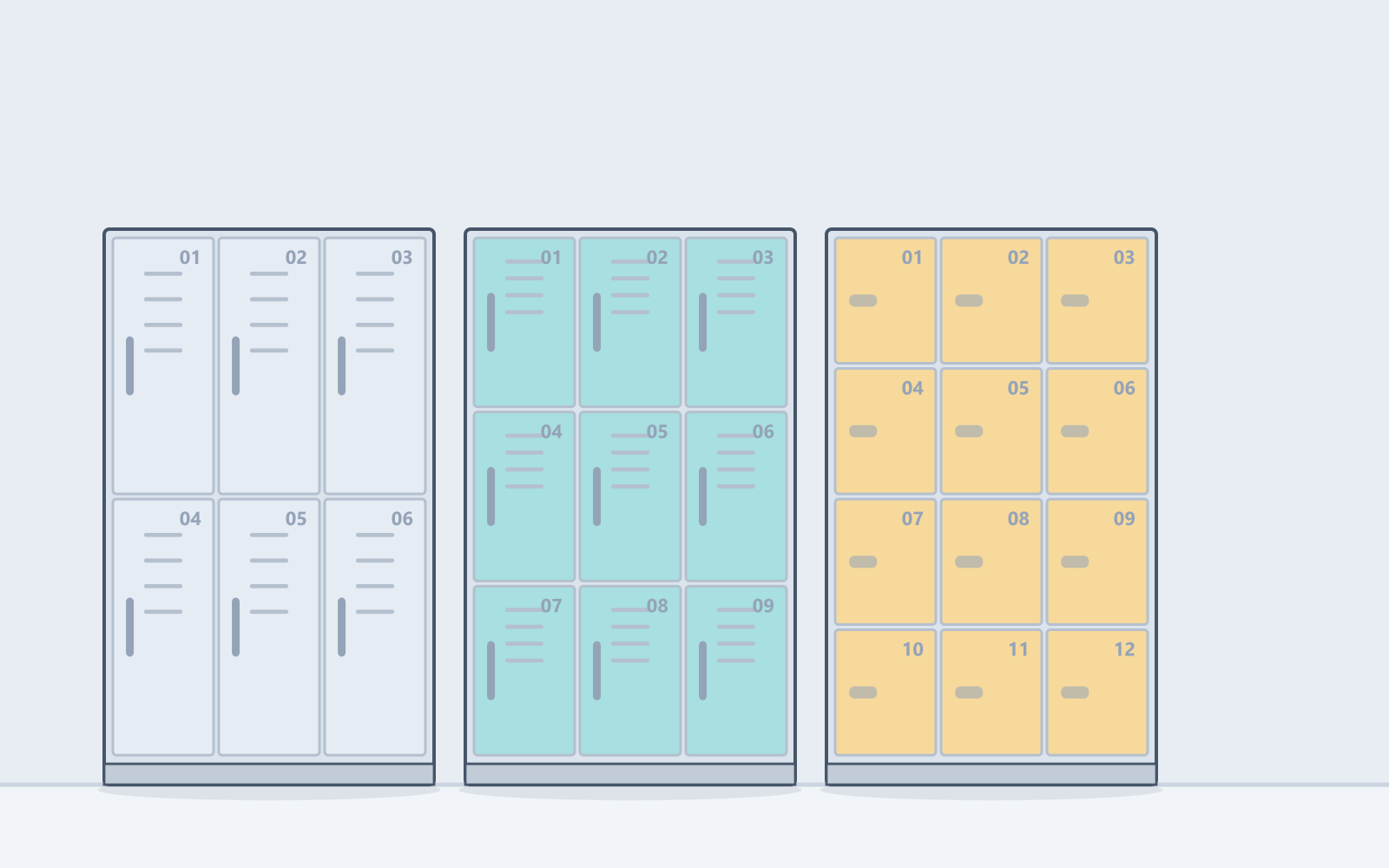
- Keyed
- Digital (our default specification)
- Connected
Changing Room & Staff Lockers
The proven steel locker, with whichever lock suits
Conventional full-height changing lockers in 2 to 24 compartments, built for wet areas and daily churn. The shell is identical whichever lock is fitted, so the lock can be revisited without replacing a cabinet.
Sizes & specification →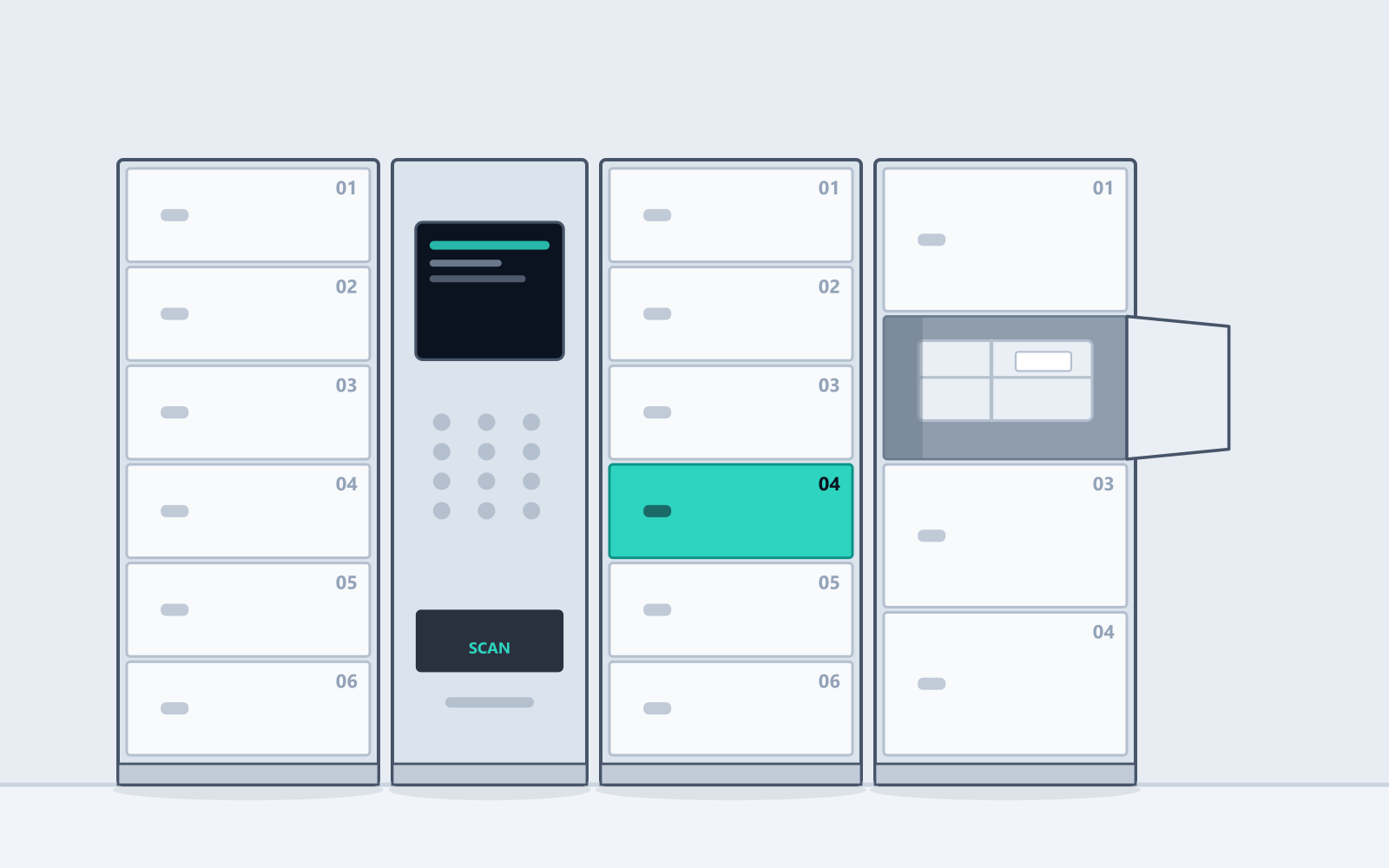
- Connected (our default specification)
Parcel & Deposit Lockers
Unattended handover, logged end to end
Multi-compartment banks with a controller, screen and keypad built in, for anything that changes hands without two people present. One party drops and locks, the other gets a code, and both ends are recorded.
Sizes & specification →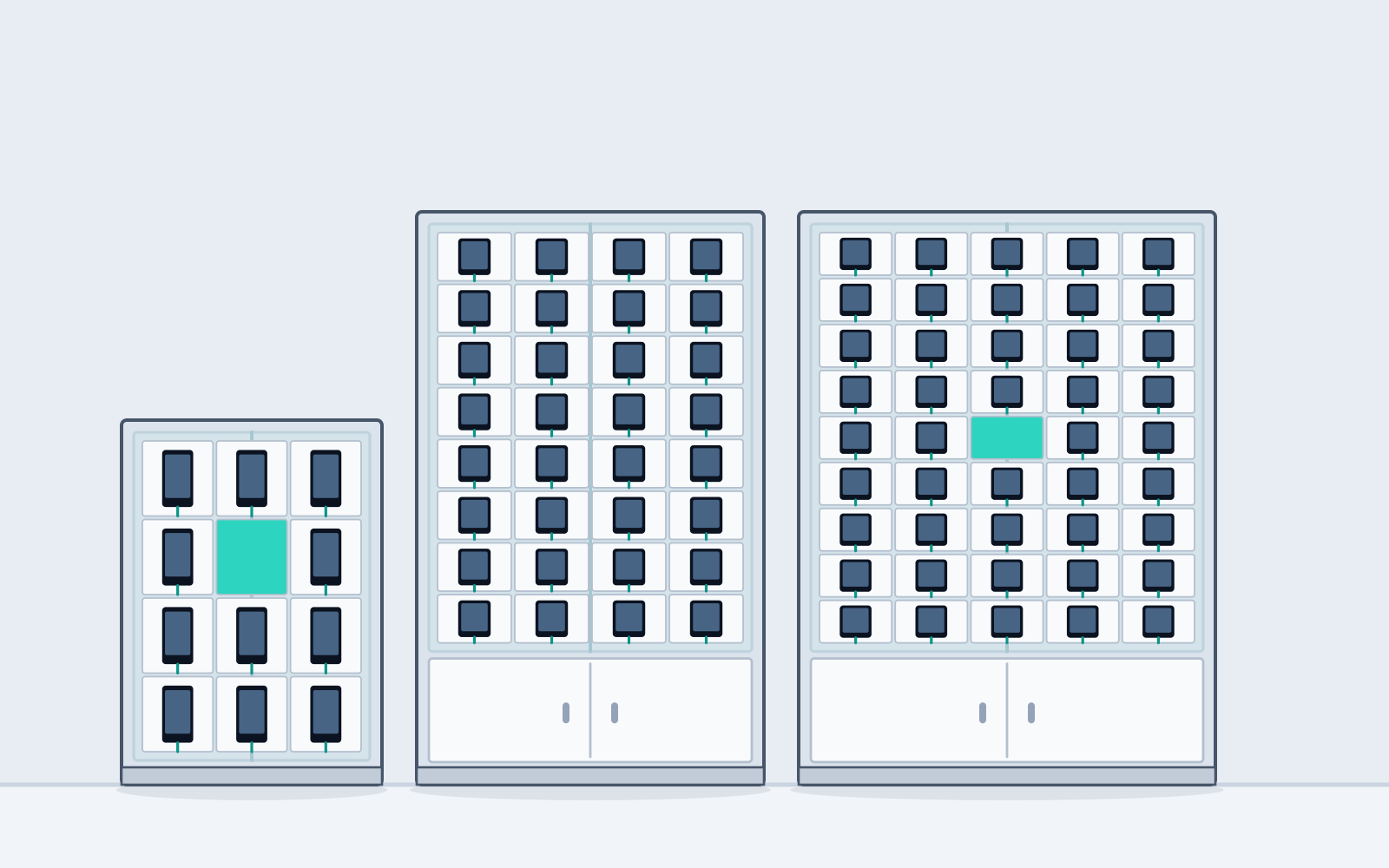
- Keyed
- Digital (our default specification)
- Connected
Phone Lockers & Device Charging Cabinets
Handphone cells, or a bank built to your opening
High-density steel cells from 12 to 84 per bank, with a mains socket in every cell, in some, or in none — plus charging cabinets built to your opening at roughly 125 bays per metre of wall.
Cells, or built to your opening →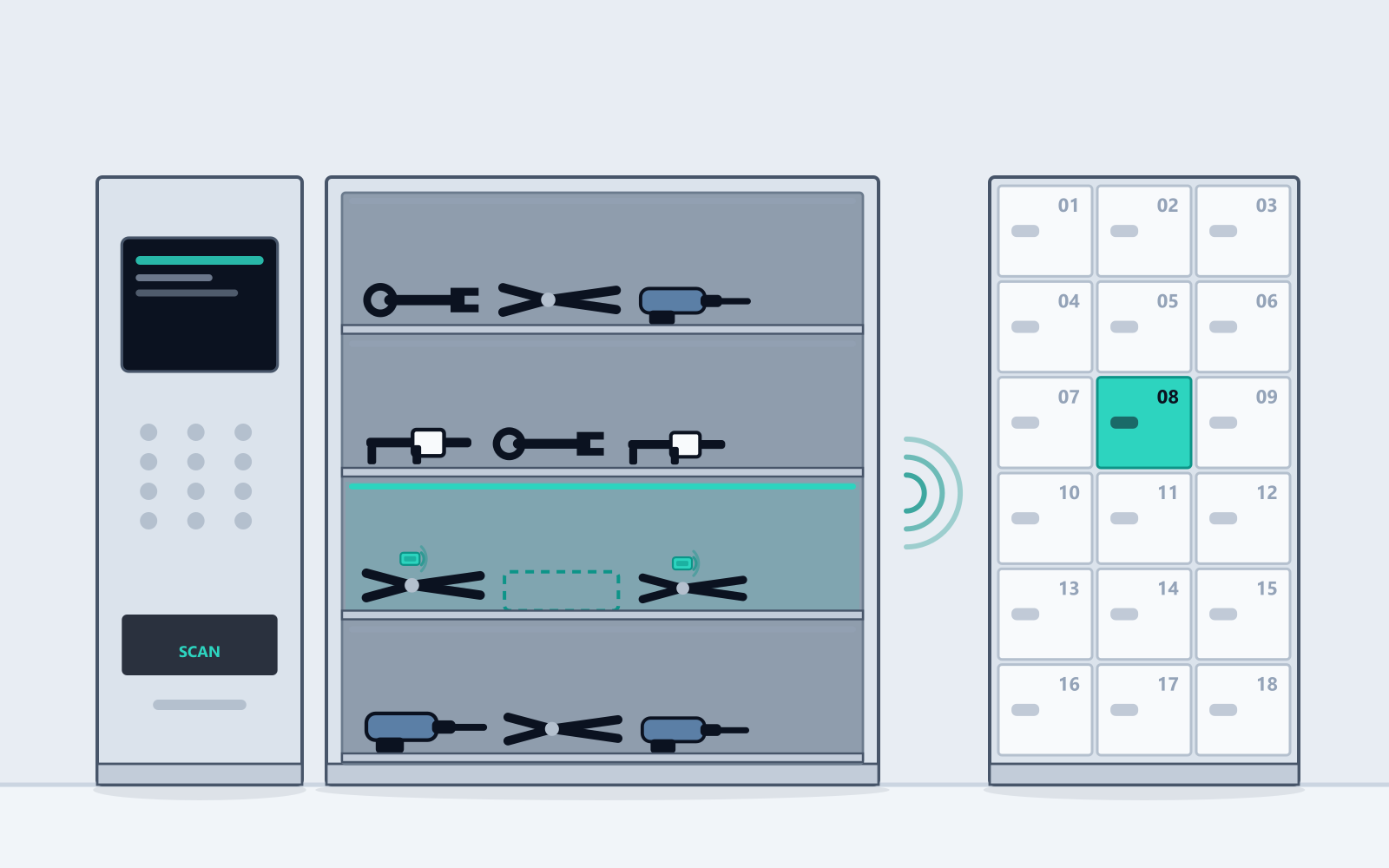
- Digital
- Connected (our default specification)
RFID Tool Management Lockers
Every tool signed out to a person, with nobody behind a counter
Workshop and production-floor tool cribs where each item carries an RFID tag and the cabinet reads its own contents every time a door closes. Issue and return without a storeman, and a live shortage list instead of a quarterly stocktake.
Sizes & specification →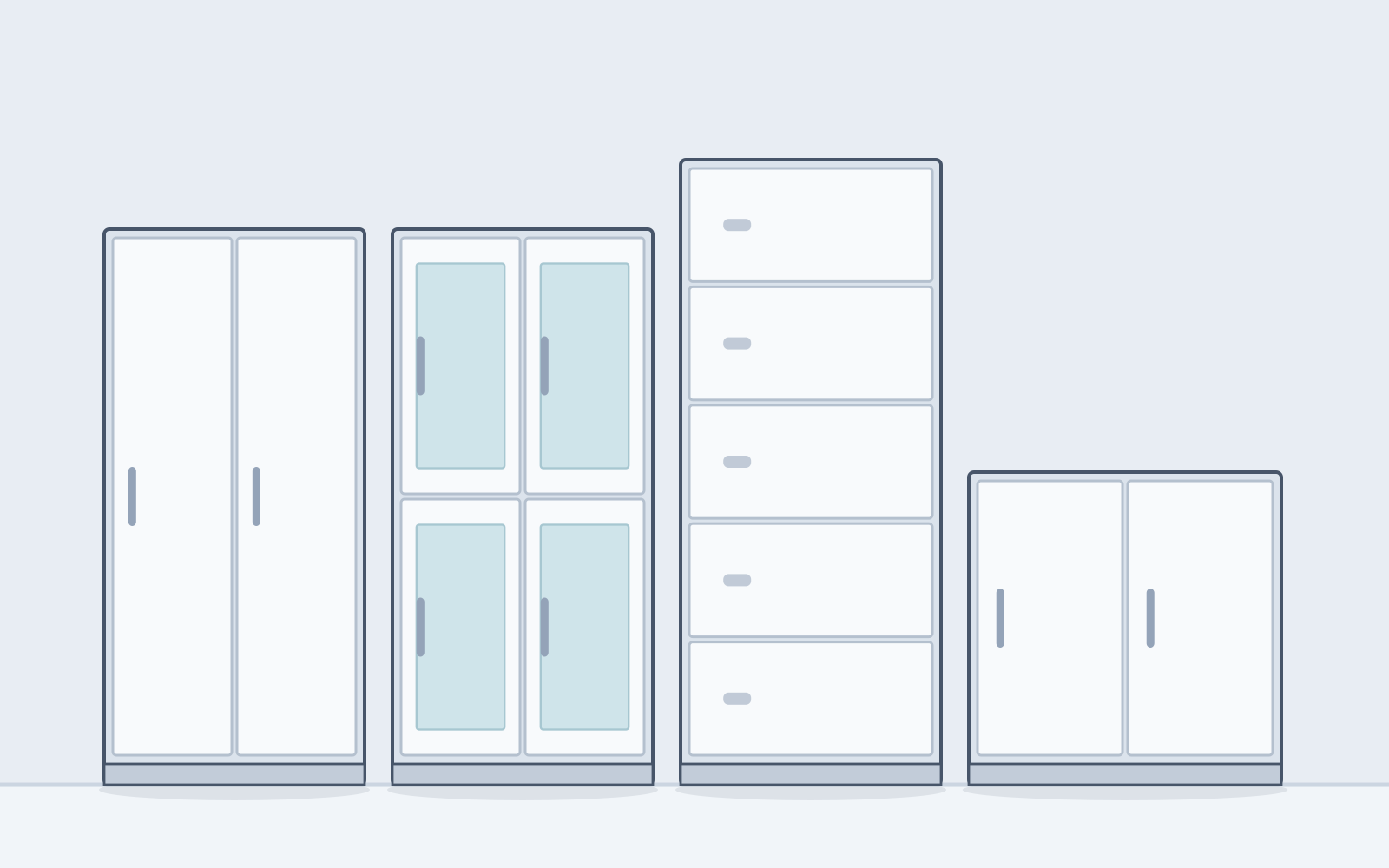
- Keyed (our default specification)
- Digital
Storage Cabinets & Cupboards
The general-purpose steel cupboard, done properly
Two-door cupboards, filing and archive cabinets, glass-fronted display units and low credenzas — the everyday storage that fills back offices, stores and clinic corridors. Unglamorous, and noticed when it is flimsy.
Sizes & specification →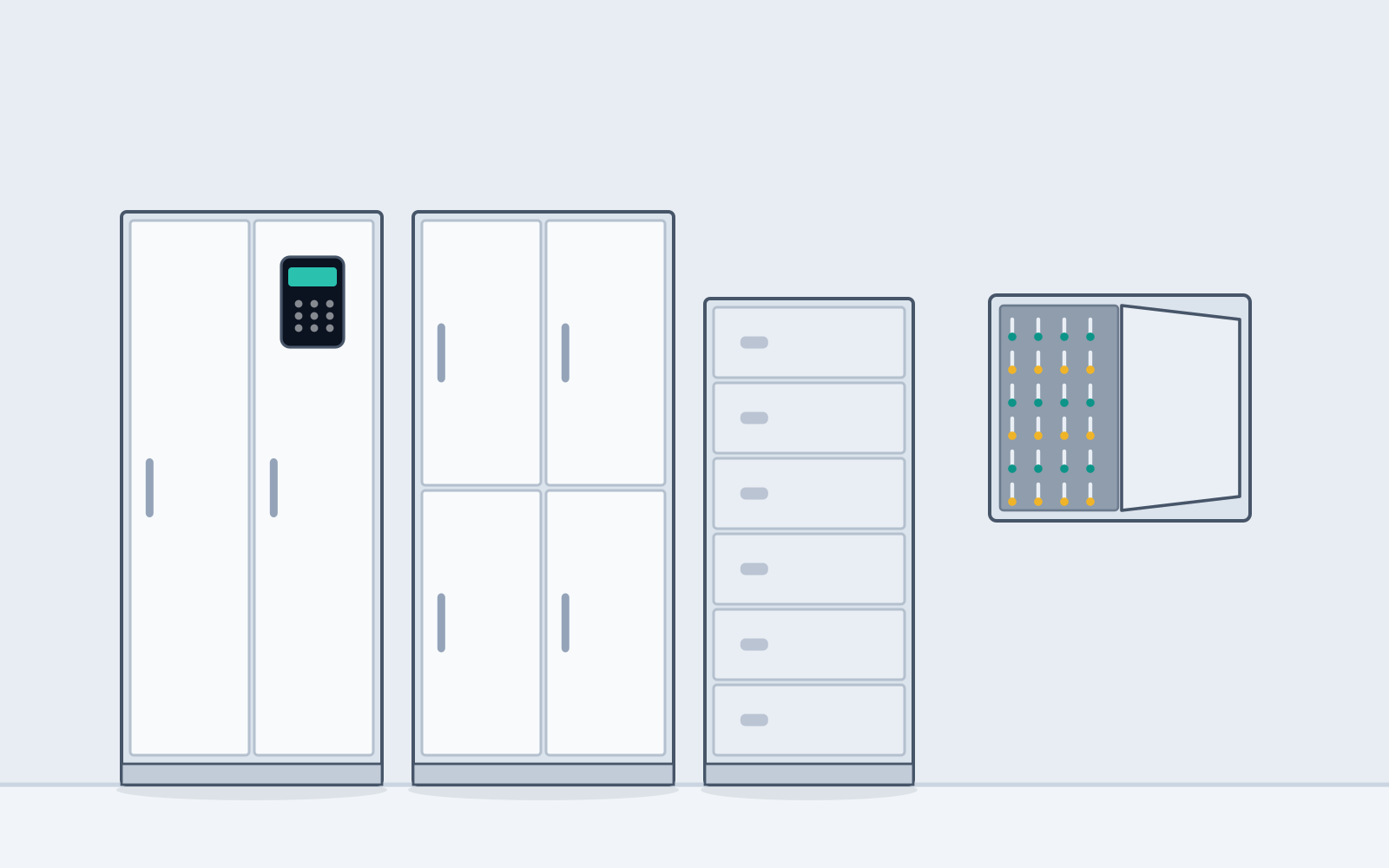
- Keyed
- Digital (our default specification)
- Connected
Secure & Document Cabinets
For records, valuables and media that must not walk
Heavier-gauge cabinets with standalone electronic, fingerprint or card locks, plus anti-magnetic media safes. For requirements that are not simply "lockable" but demonstrably controlled.
Sizes & specification →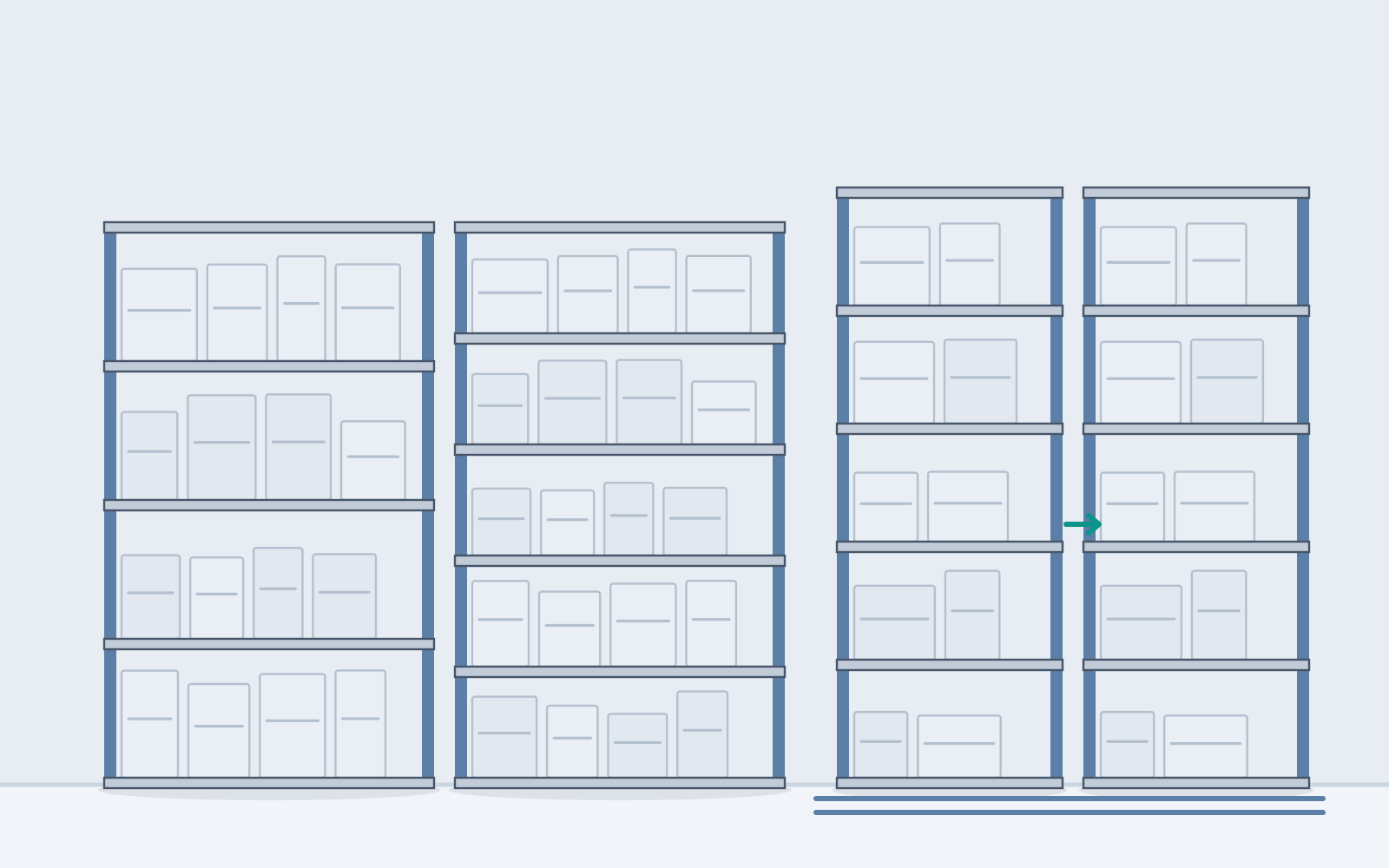
- Keyed (our default specification)
Shelving & Bulk Storage
Store rooms that hold more and stay tidy
Boltless light-duty shelving through to heavy pallet racking, plus mobile compact shelving on floor tracks that recovers the aisles. Most store rooms we survey hold half what the floor could take.
Sizes & specification →Quick answer: lockers for offices & coworking in Singapore
Latchwork supplies office lockers for Singapore workplaces: keyless day lockers for hot-desking, assigned staff storage, laptop and device charging cabinets, and secure document cabinets. Staff claim a locker from a phone or a keypad on arrival and it releases automatically at end of day, which is what makes hot-desking workable. Access is granted and revoked centrally, so an employee leaving is a change in a dashboard rather than a key to recover.
Offices & Coworking — questions we get asked
How many lockers does a hot-desking floor need?
Fewer than the headcount, and more than most fit-outs allow for. Day lockers that release nightly are shared across the week, so the count follows peak simultaneous attendance rather than total staff — a floor of 200 staff at 60% peak attendance typically needs 120 to 140 day lockers, not 200. Assigned lockers are one per person and only for staff who genuinely need permanent storage. Start on the low side for day lockers and let utilisation data from the platform tell you whether to add a bank, which is cheaper than buying lockers that stand empty.
Can access be tied to our staff directory?
Staff can be provisioned in bulk from a spreadsheet export, which covers most offices with almost no effort. A live directory integration is possible where your identity provider supports it and the volume justifies the setup — we would rather scope that honestly than promise a seamless single sign-on and deliver a CSV import.
Do we need to run cabling to every locker bank?
No. Each bank needs one 3-pin socket, and the controller reaches us over 4G, so there is no connection to the site's LAN and no structured cabling to pull. Wi-Fi is supported where you would rather keep it on your own network.
Are lockers with a keypad accessible for staff with disabilities?
They can be, if it is designed in. Specify compartments within reach range rather than only at the top of a bank, mount the keypad at an accessible height, and keep phone access available as an alternative to a keypad for anyone who finds a small keypad difficult. Tell us at the survey and we will lay the bank out accordingly — it costs nothing to plan and is expensive to retrofit.