PIN vs RFID Locker Locks: Which Fits Your Singapore Site?
Compare PIN and RFID locker locks for Singapore schools, gyms and offices: credentials, local administration, running costs and when connected access is needed.
By Latchwork Published 5 min read
For a school, gym or office in Singapore, the useful question is not whether a tap feels more modern than a PIN. It is whether users already carry a suitable credential, who will maintain access when people change, and whether the site needs a record of openings. Standalone PIN and RFID locks solve different parts of that problem; neither is a small connected management system.
PIN suits sites that do not want to issue another credential
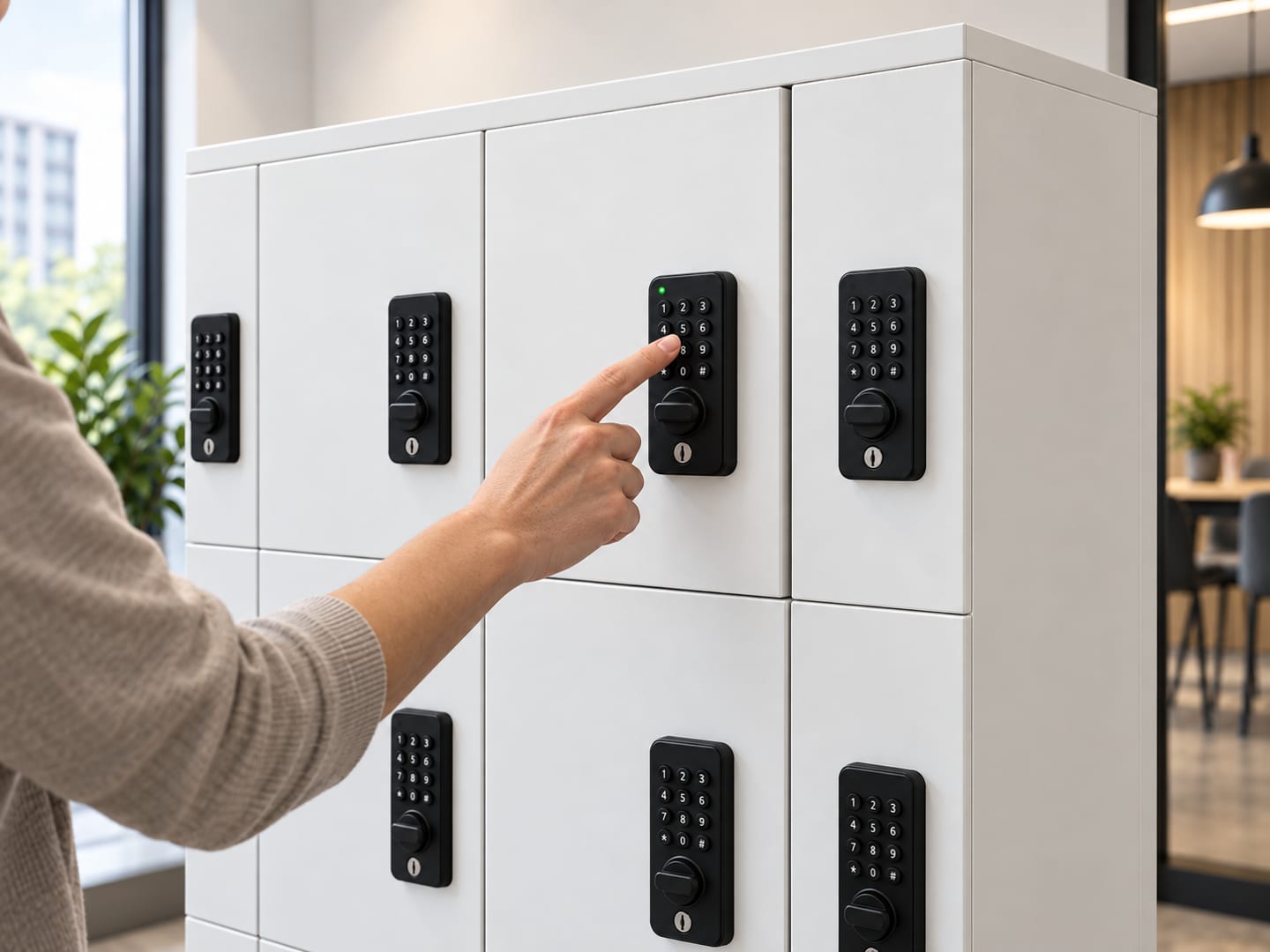
A standalone digital PIN lock opens when the user enters a code at that door. Latchwork’s PIN option supports a self-selected day-use code or a fixed assigned code. That makes it a practical choice for a school phone-storage bank, a gym changing room or a workplace where people should arrive without collecting a card or key.
The trade-off is local administration. Each lock is managed at the door, so staff need a clear process for forgotten codes, reassignment and periodic battery replacement. A standalone keypad cannot tell a central console which person opened which compartment. It also cannot enforce a timetable simply because someone has assigned a code. If those are requirements, assess connected locker access rather than treating a battery keypad as software-managed access.
RFID suits sites with a tested card or wristband workflow
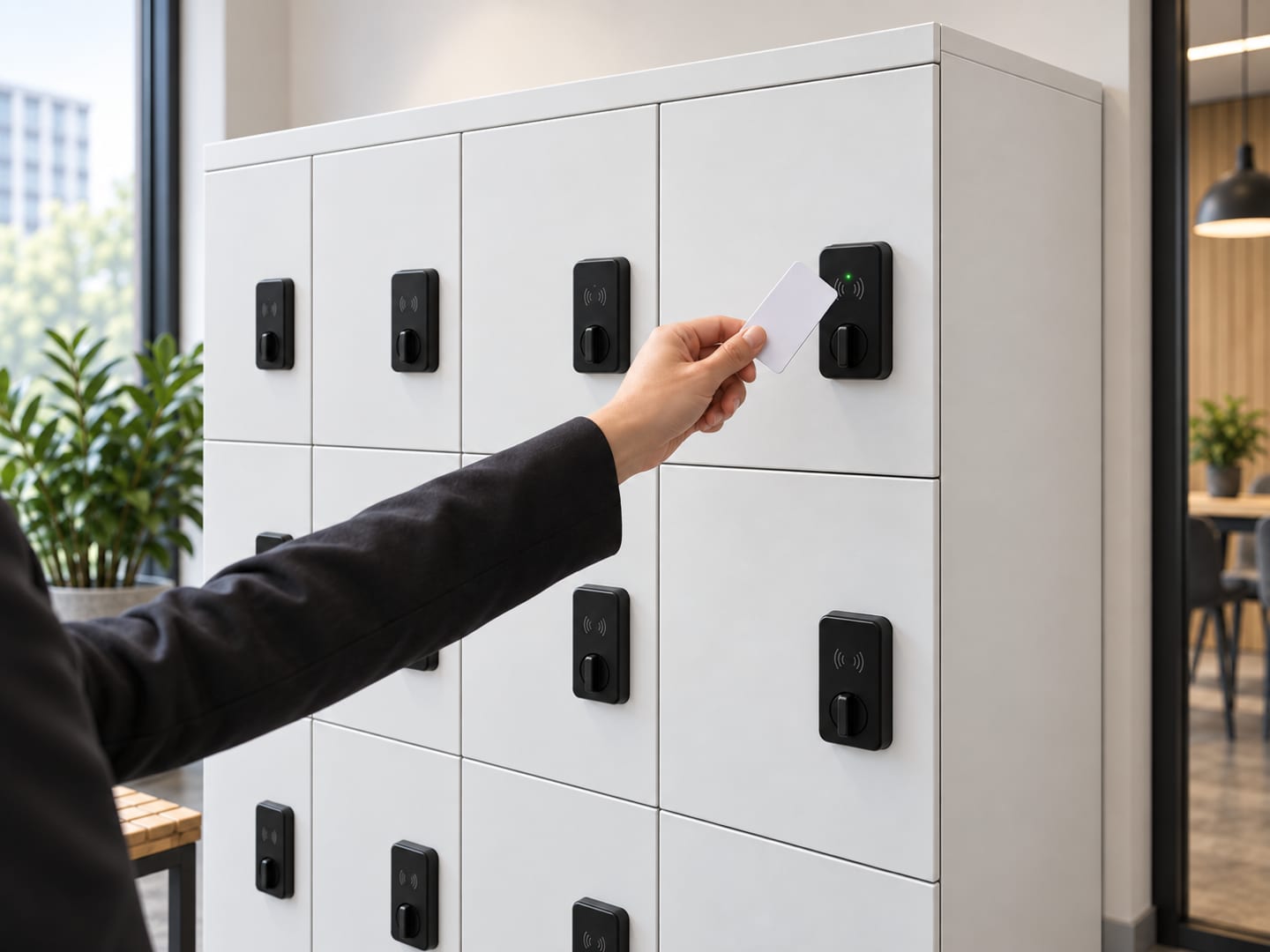
A standalone RFID lock opens when someone presents a compatible card, fob or wristband to the reader. At a gym that already issues wristbands, or a school that already issues student cards, tapping may be easier than remembering a locker code. In an office, a staff badge can be convenient if the proposed reader accepts that credential.
“We already have cards” is not a compatibility test. The lock and the actual site credential must be checked together before an order: ask the supplier to demonstrate opening, enrolling and removing a credential using a real sample card or wristband. Record who can issue replacements and what happens to access when a card is lost. Do not assume that one reader works with every RFID format or that the locker can be tied into the building’s existing access-control database.
Like the PIN option, a standalone RFID lock has a battery in each door and no cabling, network or subscription. Its convenience at the door does not imply central revocation, remote opening or a central audit log. Those belong to the connected tier.
Compare the operating work, not just the opening gesture
The best choice is the one your staff can operate consistently after installation. Use this table as a shortlisting tool, then test the actual lock and credential on site.
| Decision point | Standalone PIN | Standalone RFID/card |
|---|---|---|
| What a user brings | A remembered or chosen code | A compatible card, fob or wristband |
| Typical fit | Day-use rooms or assigned users without cards | Sites already issuing suitable credentials |
| Power and connection | Battery in each lock; no socket or network | Battery in each lock; no socket or network |
| Subscription | None | None |
| Staff task | Set or reset codes at individual doors | Enrol or remove credentials at individual doors |
| Critical pre-order check | Confirm assigned versus day-use code workflow | Prove compatibility with the actual issued credential |
| Central opening record | No | No |
Neither column includes an automatic opening history. Latchwork’s connected smart option is a different configuration: it uses a controller, one standard socket per bank and an annual platform subscription, and can support access rules, remote release and logs. Specify that tier when the management requirement justifies its extra infrastructure and recurring cost.
Apply the comparison to three common Singapore settings
School lockers. If students must store phones during lessons, decide first who gets each compartment and how staff resolve a forgotten code or lost credential. PIN avoids a card-compatibility project. RFID can work if the school already has suitable student cards and tests them with the proposed lock. Neither standalone lock, by itself, enforces a lesson-time rule or proves which student opened a door. The school and campus locker use cases help frame the storage requirement separately from the lock decision.
Gyms and studios. A visitor using a locker for one session may prefer to choose a code and leave with nothing to return. A club where members already wear compatible wristbands may prefer a tap. In either case, write down the process for a member who forgets the code or loses the band, and the staff authority needed to open the door. A shared-use bank may have a different policy from monthly rented lockers. The gym and studio solutions show why these use cases should not be merged into one undifferentiated lock specification.
Offices. Fixed staff lockers with low turnover can use either assigned PINs or compatible cards, depending on what staff already carry. If lockers change hands frequently, managers need to grant and withdraw access across many doors, or an opening record matters, the decision may be between standalone and connected access rather than between PIN and RFID. A card reader attached to an offline lock does not automatically become part of the office’s access-control system.
What to put in the quotation request
Ask for both options against the same compartment layout, so lock choice is the variable being compared. A useful brief includes:
- Who uses the lockers, whether access is assigned or day-use, and the approximate number of users and doors.
- Whether users already carry a card, fob or wristband; provide a sample for a compatibility demonstration if RFID is being considered.
- Who will enrol users, reset codes, handle lost credentials and replace batteries.
- Whether central changes, time restrictions, remote release or opening logs are mandatory. If so, request a connected-access option as a separate line.
- The room and installation constraints, including whether a power point is available near each bank if connected access is proposed.
This comparison is about ordinary storage lockers, not charging bays: a powered phone or laptop charging cabinet has its own electrical and access specification. Also confirm cabinet size and door count before settling the lock; a convenient reader cannot make an undersized compartment useful. Send the brief through the locker quotation form and ask Latchwork to price the PIN, RFID and—only where needed—connected paths against one drawing.
Where this applies
Quick answer: Should our Singapore site choose PIN or RFID locker locks?
Choose standalone PIN locker locks when users should not need a card and staff can manage each door locally. Choose standalone RFID locks when the site already issues compatible cards, fobs or wristbands and a tap is more convenient than remembering a code. Both options run on batteries without a network or subscription; neither creates a central access log. Verify RFID credential compatibility before ordering. If assignments must change centrally, doors need timed rules or openings must be recorded, specify connected access instead.
- PIN credential
- Code at each lock
- RFID credential
- Compatible card, fob or band
- Standalone power
- Battery in each lock
- Central access log
- Neither standalone option
Questions people also ask
Can students use their existing school cards to open RFID lockers?
An RFID locker can use an existing school card only if the reader and the school credential are compatible. Check the actual card and proposed lock together before procurement; an existing card system does not guarantee that any standalone locker reader will recognise it.
Do standalone PIN or RFID locker locks need Wi-Fi or a power socket?
Standalone PIN and RFID locker locks each run on a battery in the door lock and need no socket, network or platform subscription. PIN batteries are typically replaced about once a year; the maintenance plan for either option should be confirmed with the chosen hardware.
Can an administrator revoke a lost card from every standalone RFID locker remotely?
Standalone RFID locker locks are administered at their individual doors, not through a central platform. A lost-card procedure must account for every affected lock; choose connected access if central credential changes and remote management are requirements.
Which lock works better for day-use gym lockers?
A PIN lock is a straightforward day-use choice when members should choose a code without receiving another item. An RFID lock may reduce friction when members already carry compatible wristbands or cards, but compatibility and return procedures need testing first.
Does an RFID locker lock provide an audit trail?
A standalone RFID locker lock does not provide the central opening log offered by Latchwork connected access. If an office or school must review who opened a compartment and when, the requirement belongs in a connected-access specification.